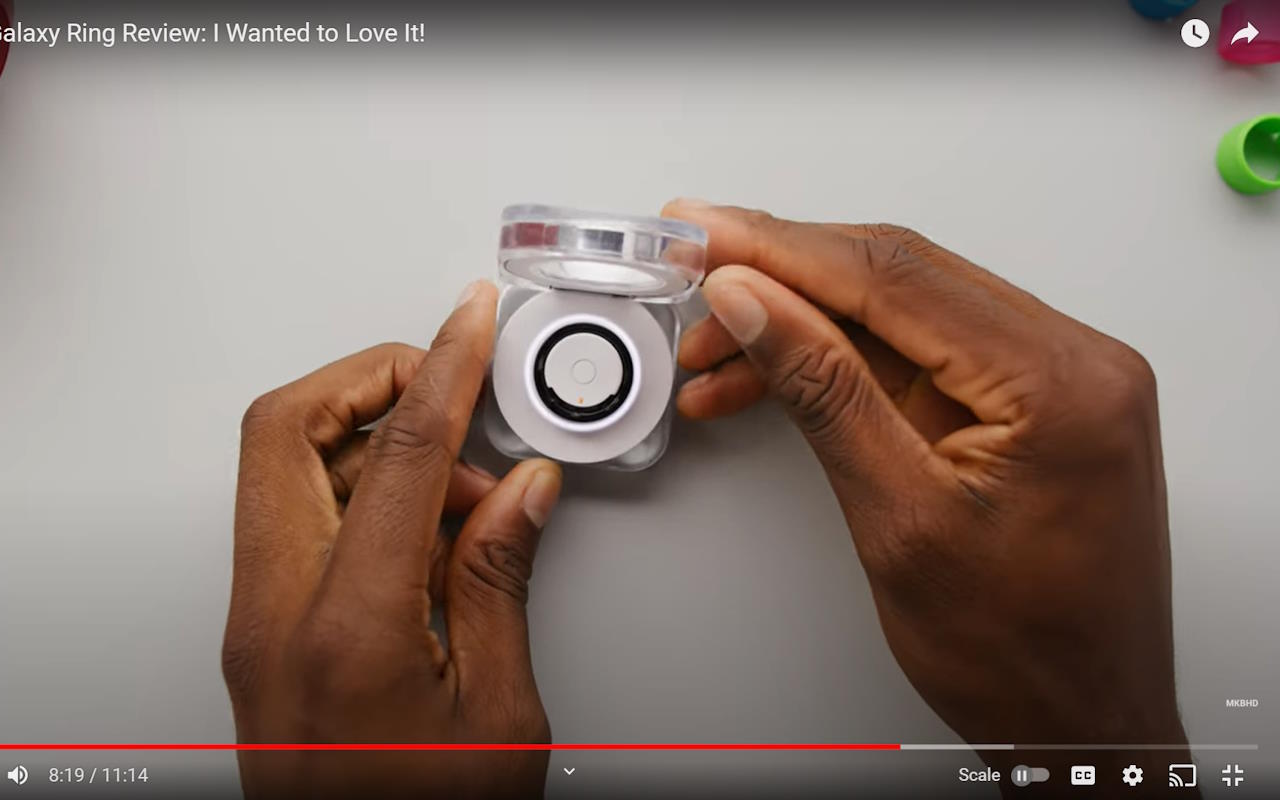
A little more of the screen
A video can be playing fullscreen and still leave black bars above and below the picture. I made a small browser extension that puts a Scale button directly into YouTube’s existing player controls. Click it, and the picture expands vertically to fill the available height.
The original screenshots show the change on the same paused frame. Before scaling, the picture has horizontal black bars. The scaled version at the top of this page fills that space. These are screenshots preserved in the project repository, including the video I was using to demonstrate the extension.
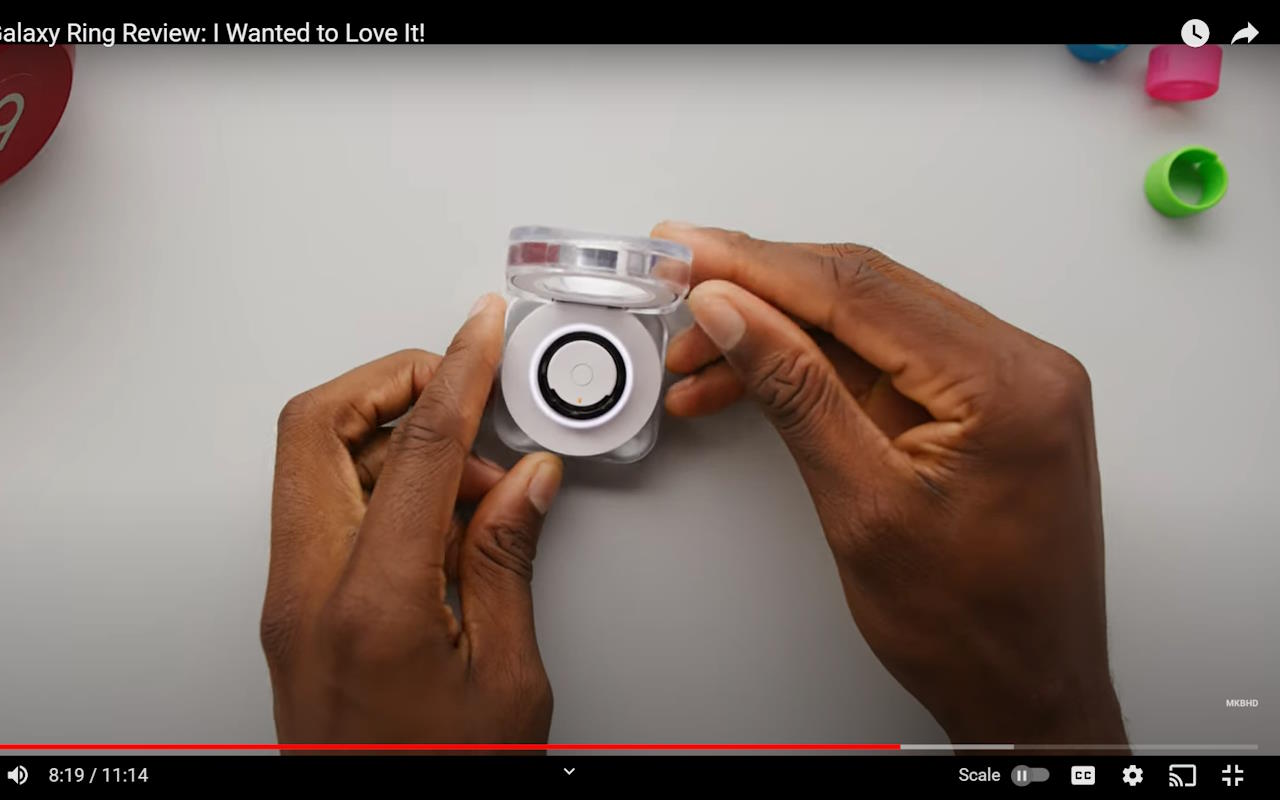
Keep the control close to the problem
The interface is just that one button beside YouTube’s other controls. In the implementation, Scale becomes Unscale, so the change can be reversed without leaving the player.
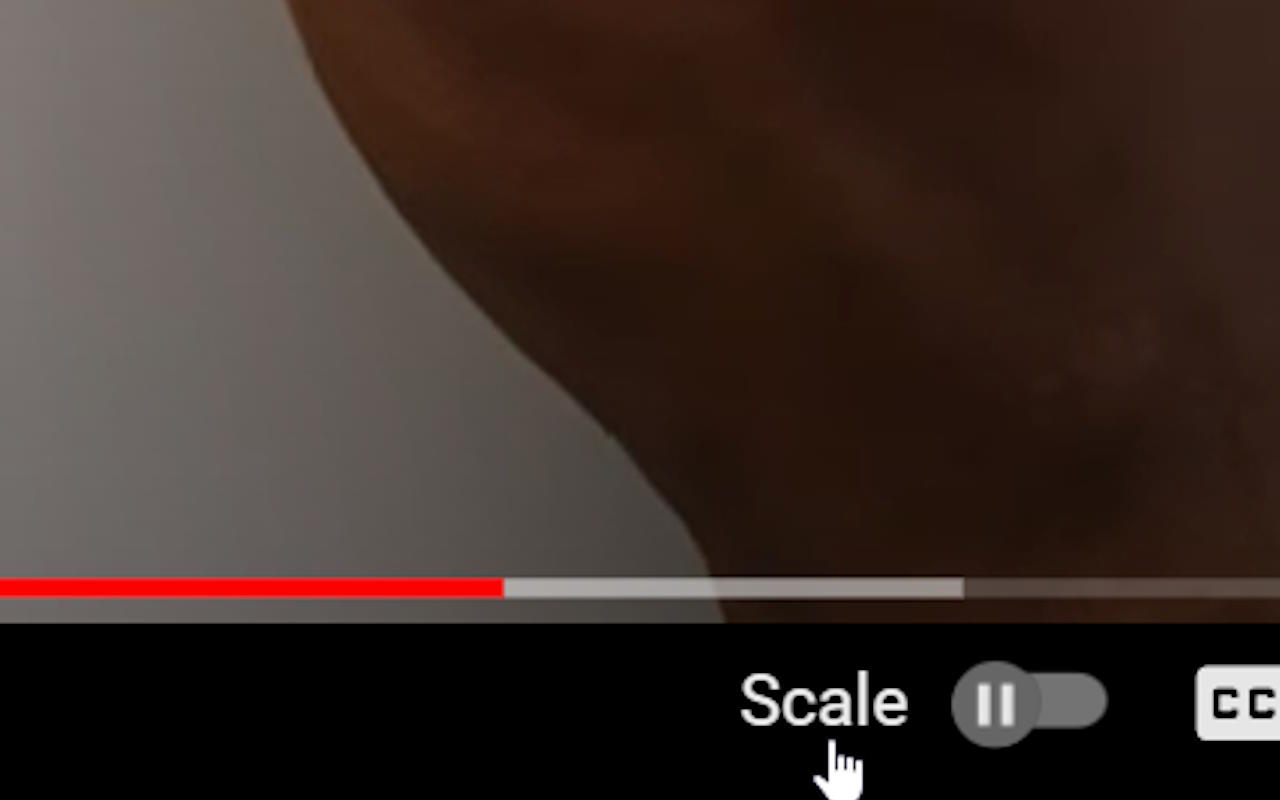
Underneath, it’s a Manifest V3 extension with a short JavaScript content script. It waits for the player controls, inserts the button, and toggles a CSS class that changes the video container and video height. The public source preserves the whole interaction in one small file.